This Privacy Policy applies to the entire Kloak Password Manager software ecosystem, specifically:
- Kloak Password Manager Chrome Extension (Chrome Web Store Extension ID: hajgkgmajepndkhjhcgjenjnfojlphod);
- Kloak Password Manager Native macOS Desktop Application;
- Kloak Raycast Command Palette Extension;
- Official open-source source repositories and documentation hosted under github.com/naetikarvind/kloak.
🎯
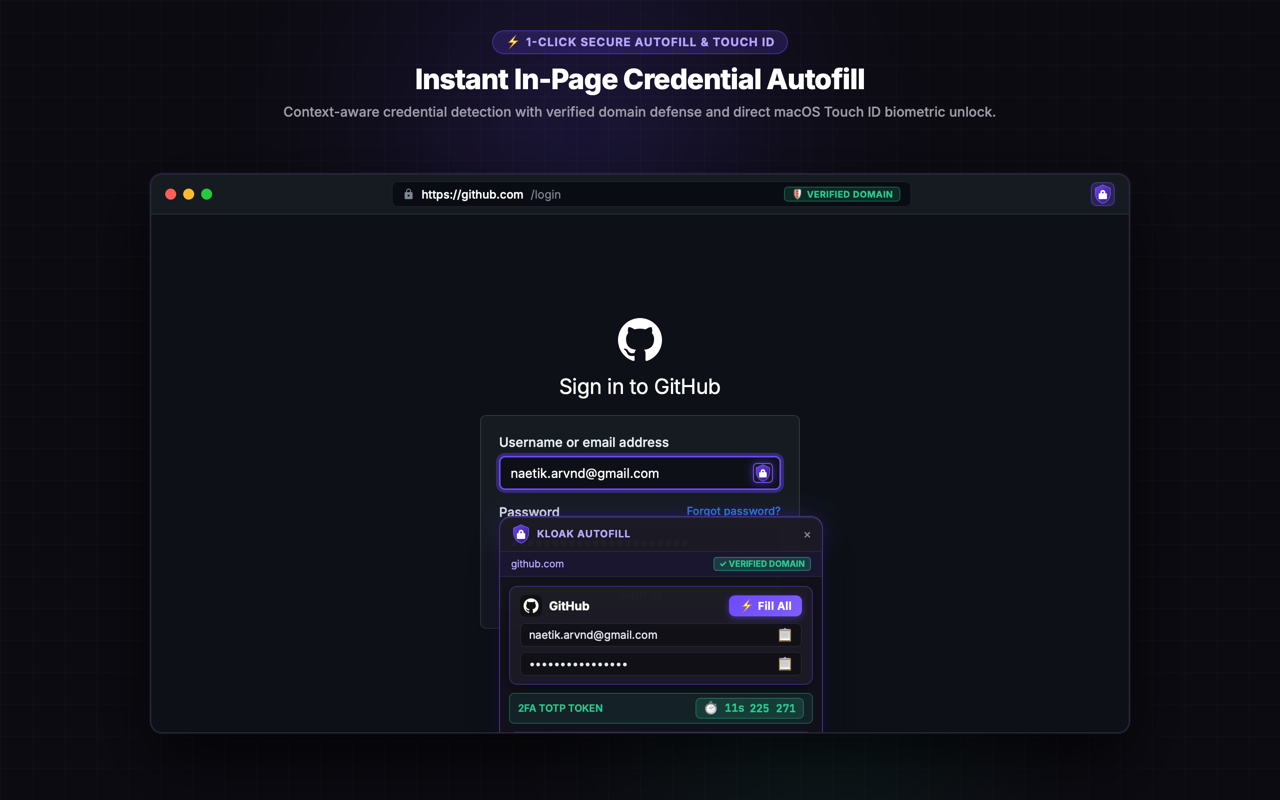
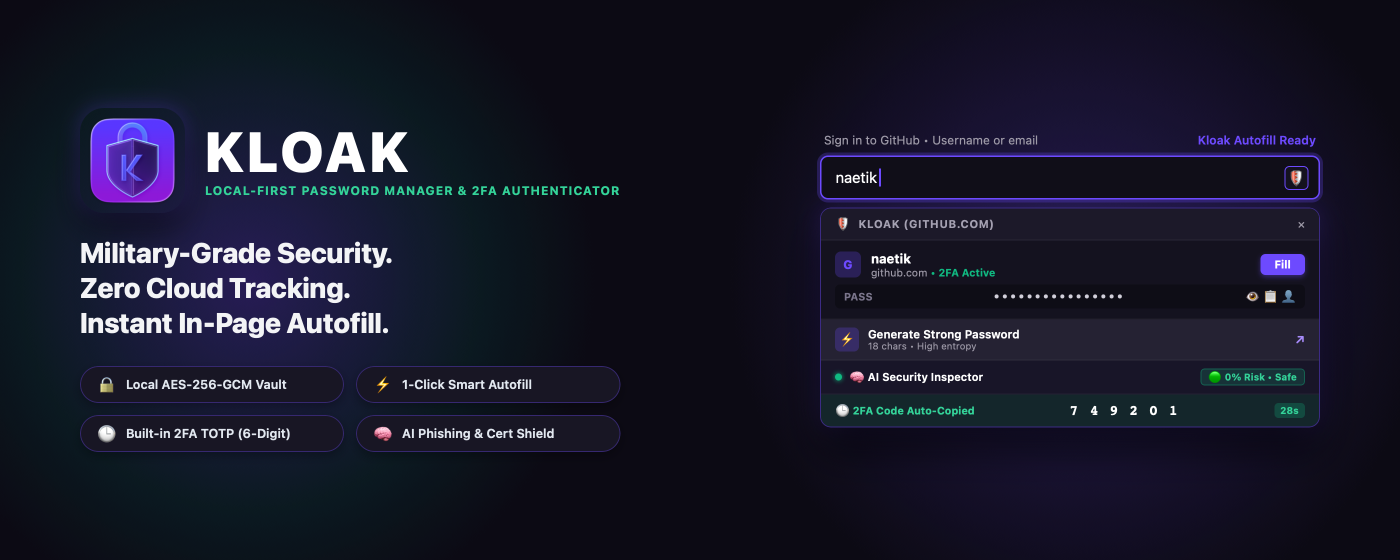
Single Purpose Declaration: The single purpose of the Kloak Chrome Extension is to securely autofill login credentials, passkeys, and two-factor authentication (TOTP) codes from the user's local, encrypted vault directly into website login forms upon explicit user request. All companion features—including in-field badge overlays, domain matching, strong password generation, and phishing threat detection—exist solely to facilitate and protect this singular credential filling flow.
In strict accordance with Chrome Web Store Developer Program Policies, this section explicitly discloses every category of data accessed, handled, or processed:
2.1 Authentication Information (Credentials & Secrets)
What is accessed: Usernames, login email addresses, account passwords, passkeys, Time-based One-Time Password (TOTP) secret keys, security notes, and optional payment card entries.
Source & Method of Collection: Provided voluntarily and directly by the user (either manually entered, imported from previous password manager export files, or saved when logging into a website).
Collection Scope: Queried from the local desktop vault only when the user navigates to a matching domain or clicks the extension popup. Authentication information is never uploaded, synced, or transmitted to any remote cloud server.
2.2 Website Content & Input Fields (Processed 100% Natively)
What is accessed: Form input elements (specifically HTML <input type="password">, <input type="email">, <input type="text">, and two-factor authentication prompts) on web pages visited by the user.
Source & Method of Collection: Detected locally within the browser page Document Object Model (DOM) by the extension's content script (content.js).
Native On-Device Confinement: The content script inspects input attributes purely to display the Kloak autofill badge inside the field and insert requested credentials upon explicit user action. All found form elements and input structures remain strictly native to the local system and browser session. Neither the extension nor the application ever sends any found data back to our servers, developers, or external infrastructure.
2.3 Web History & Active Tab Domain (URLs)
What is accessed: The active tab's domain name (e.g. github.com) accessed via the tabs and activeTab browser APIs.
Source & Method of Collection: Read in transient, volatile local memory when a tab is loaded or focused.
Collection Scope & Zero Remote Sharing: The domain hostname is evaluated solely in local RAM to search the local vault for matching logins and verify domain legitimacy against phishing attacks. Your browsing history is never recorded, never logged to disk, and never shared back to any server or remote entity.
2.4 Categories of User Data That Are NEVER Collected
To ensure absolute clarity, Kloak affirms that it does NOT collect, read, or process:
- No Personal Communications: We do not read or access emails, chat messages, or document contents.
- No Geolocation Data: We do not request or track GPS, IP geolocation, or physical location.
- No Health or Medical Information: We do not collect health or medical data.
- No Device Identifiers: We do not collect MAC addresses, hardware UUIDs, or serial numbers.
- No Browsing History Logs: We do not maintain a history of visited URLs.
- No Telemetry or Analytics: We do not use Google Analytics, tracking beacons, or telemetry scripts.
Google Chrome Web Store policies require an unambiguous explanation of how collected user data is handled, processed, and utilized.
3.1 Purpose-Bound Processing
Every piece of user data accessed by Kloak is handled solely to execute the application's core functionality:
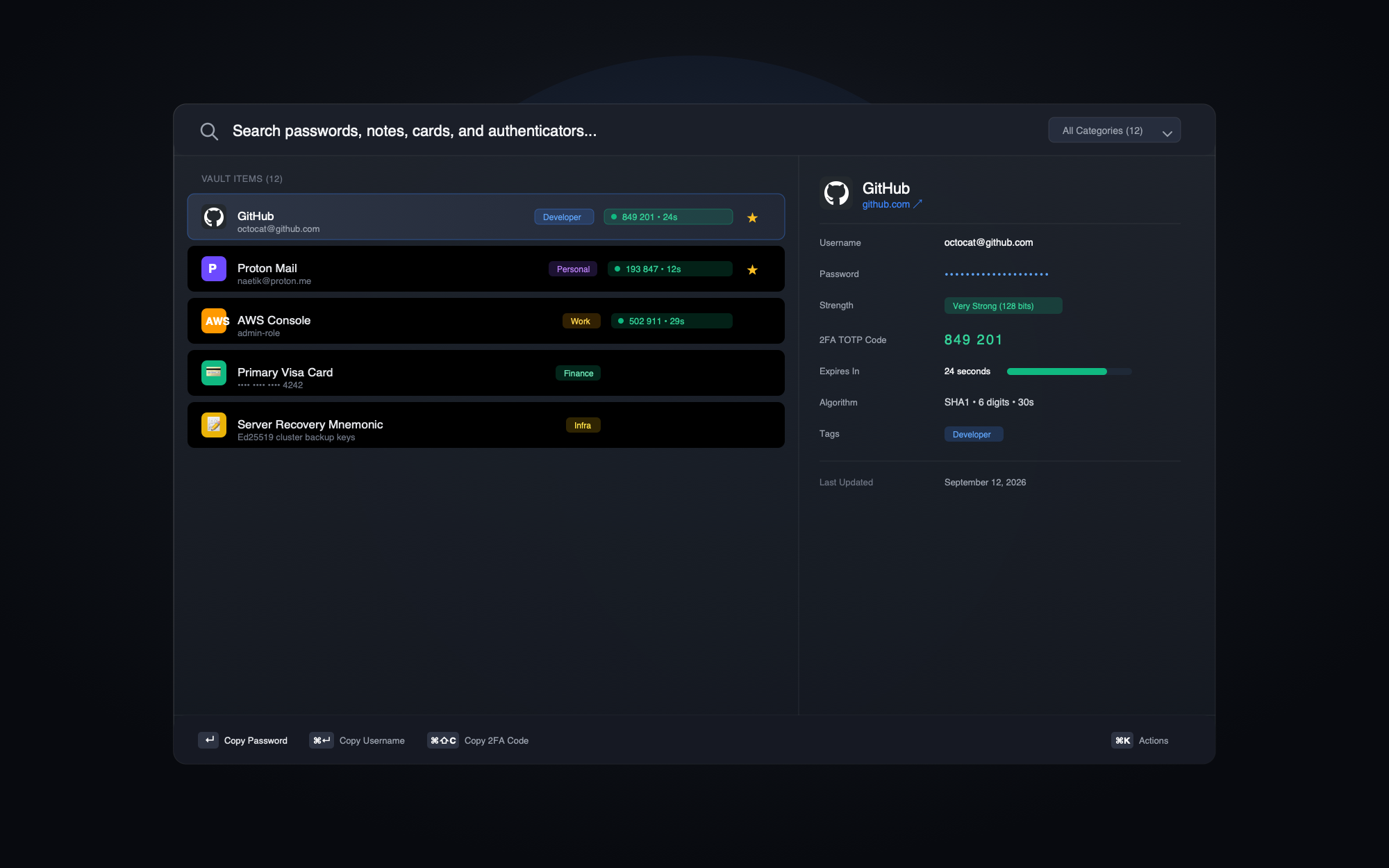
- Credential Autofill: Usernames and passwords stored in your local vault are injected into corresponding login fields when you click the field badge or toolbar popup.
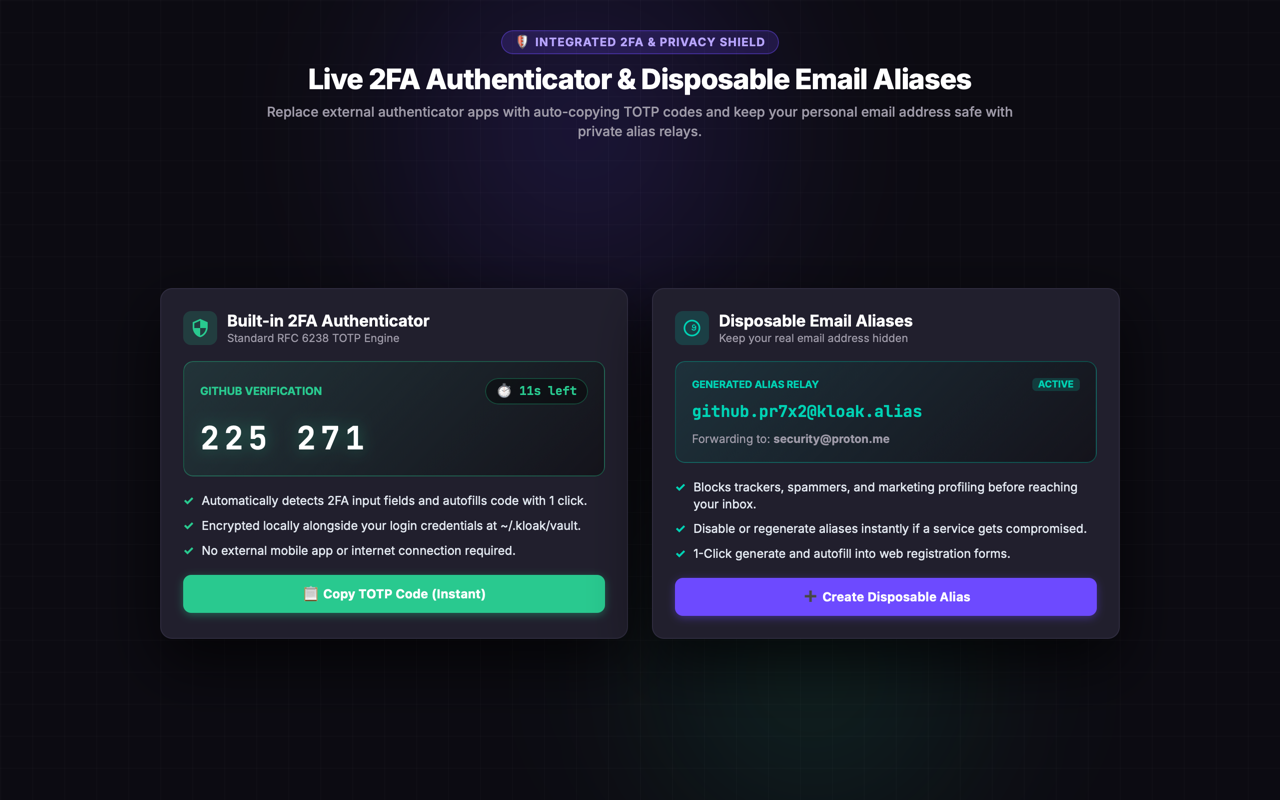
- 2FA Verification: Stored TOTP secrets are processed locally to compute time-synchronized 6-digit one-time codes and fill verification prompts.
- Anti-Phishing Verification: The active tab domain is matched against your saved logins to ensure credentials are never exposed to counterfeit, typosquatted, or spoofed lookalike websites.
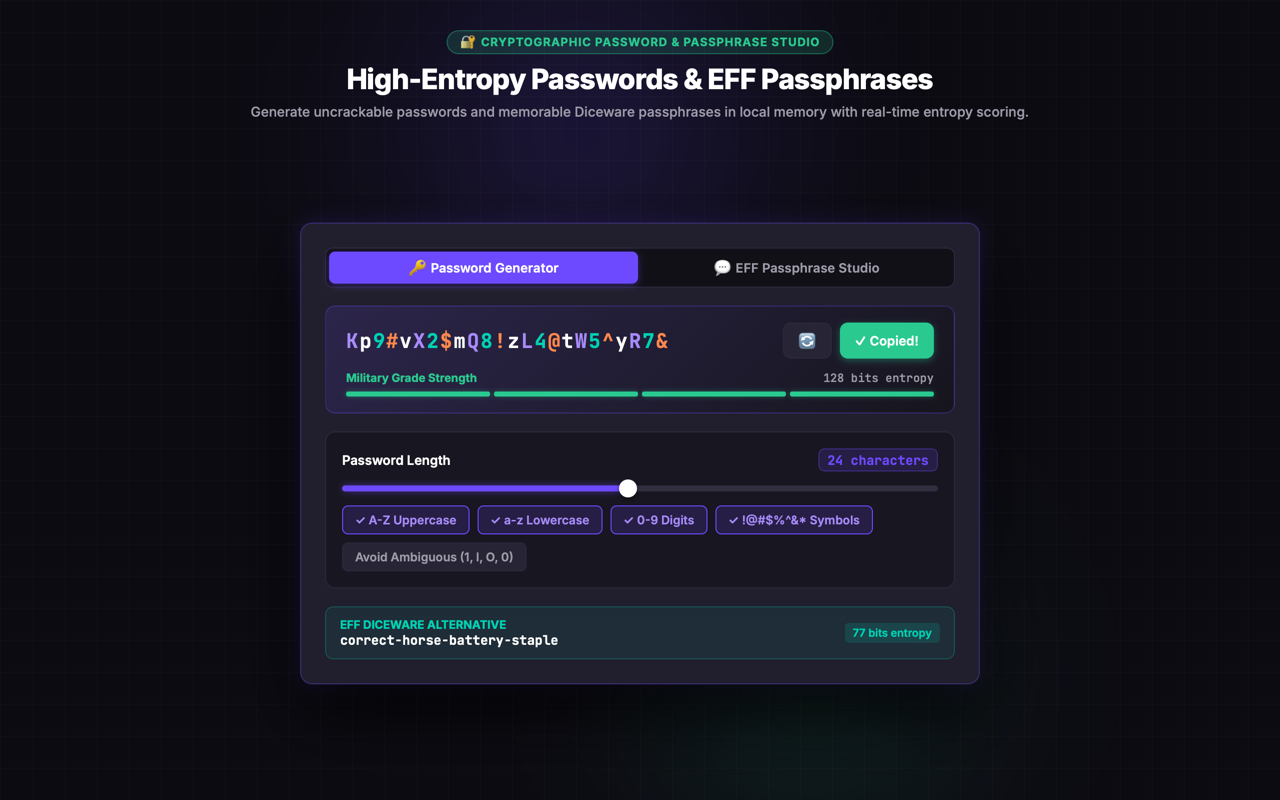
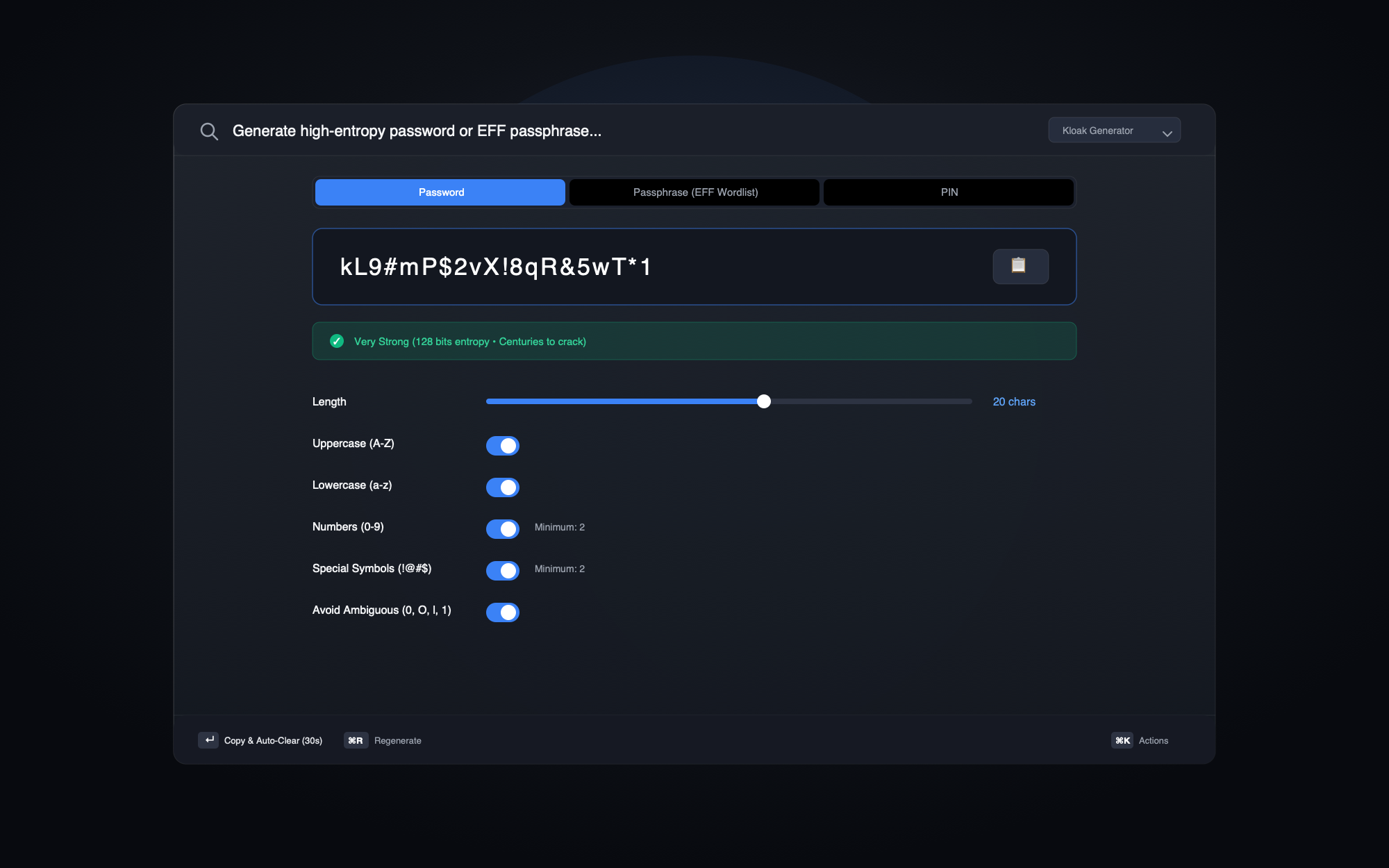
- Secure Password Generation: High-entropy cryptographic random numbers are generated on-demand to create strong passwords for registration forms.
🛡️
Mandatory Chrome Web Store Policy Affirmations:
- We do NOT use or transfer user data for purposes unrelated to the extension's core single purpose.
- We do NOT use or transfer user data to serve personalized, targeted, or behavioral advertisements.
- We do NOT use or transfer user data to determine creditworthiness or for lending purposes.
- We do NOT use user data for surveillance, user tracking, or data profiling.
4.1 Storage Location & Local-First Architecture
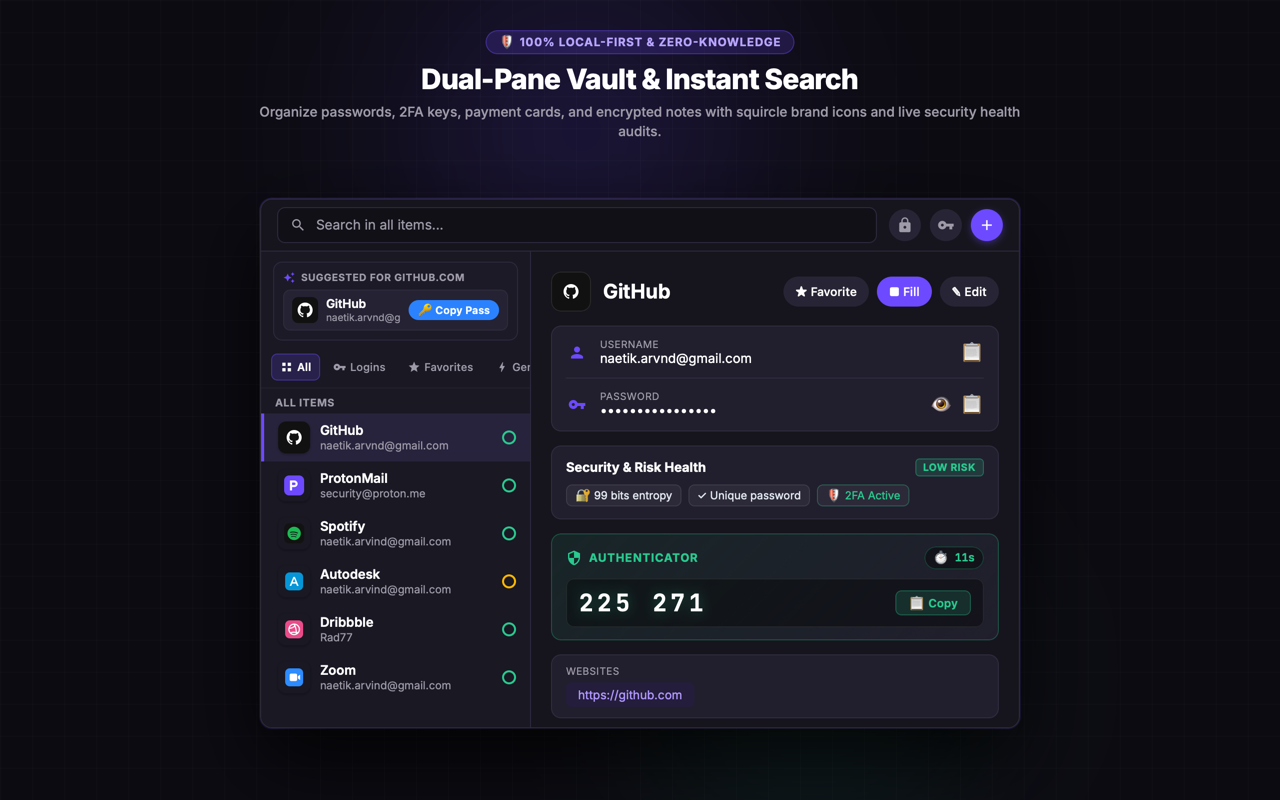
All user credentials, passwords, passkeys, notes, and 2FA secrets are stored 100% locally on your own computer:
- Local Vault File: Persisted in an encrypted binary file located on your device at ~/.kloak/vault.kloak.
- Zero Cloud Databases: Kloak operates no remote user accounts, no cloud sync servers, and no centralized databases. Your data never resides on our infrastructure because we do not operate any storage servers.
- Zero-Knowledge Multi-Device Sync: When syncing via iCloud Drive, encryption occurs on your hardware *before* writing to disk. Apple and iCloud only ever store encrypted ciphertext blobs.
4.2 Encryption & Security Measures
- Authenticated Encryption: The local vault is encrypted using AES-256-GCM, guaranteeing confidentiality and tamper-proof cryptographic integrity.
- Key Derivation: Master keys are derived using Argon2id (64 MB memory cost, 4 iterations, 4 parallel threads) to provide unmatched brute-force resistance.
- Hardware Biometrics & Security Keys: On macOS, master keys are securely enveloped by the Apple Secure Enclave coprocessor and protected by Touch ID biometric authentication directly accessible from the desktop app and browser extension popup/autofill overlay. Physical FIDO2 / YubiKey security keys deliver hardware-bound zero-knowledge authorization without ever transmitting cryptographic secrets over the network.
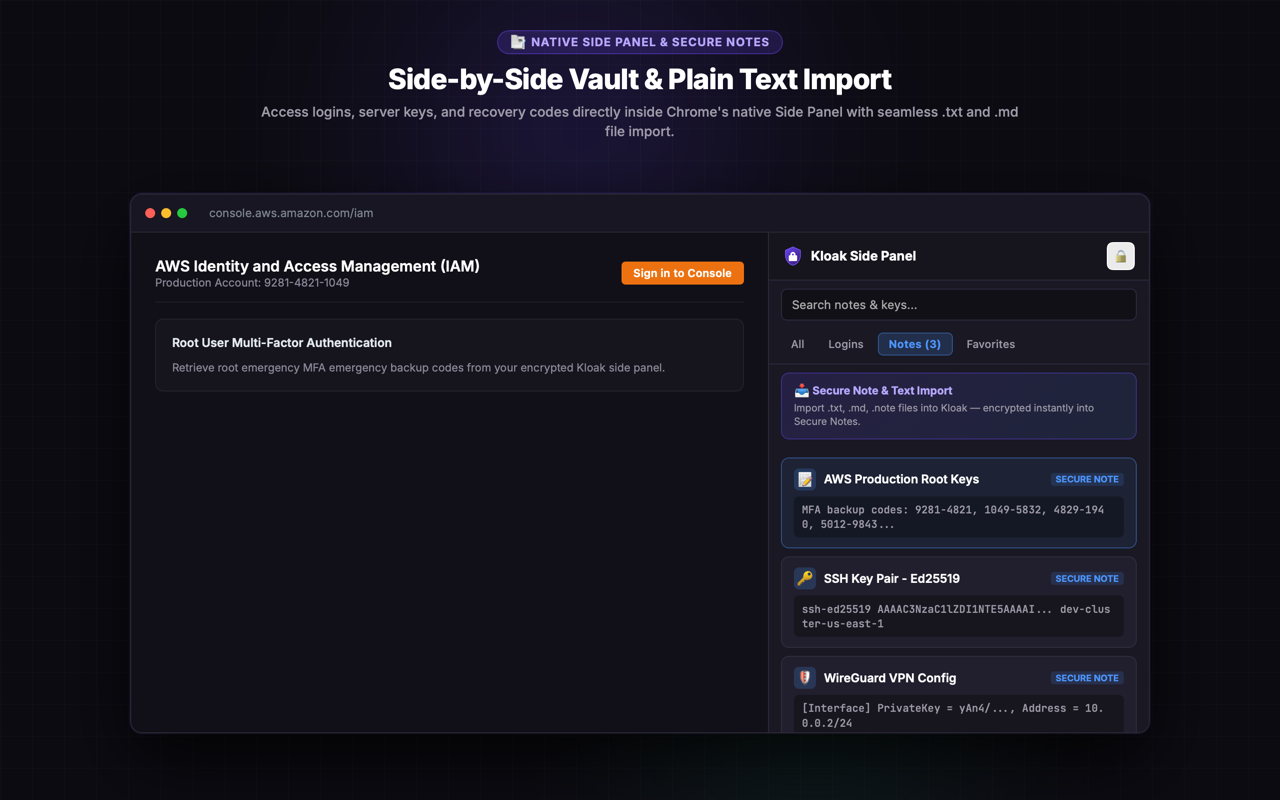
- Encrypted Secure Notes & Text Imports: Sensitive user notes, recovery codes, and imported text/markdown files (.txt, .md, .note) are immediately encrypted using AES-256-GCM and stored exclusively within the local encrypted vault on the user's filesystem.
- Local Inter-Process Communication (IPC): Communication occurs strictly over local OS native messaging pipes (app.kloak.native) and loopback socket (127.0.0.1:53152). It never traverses the external network.
🚫
Absolute Prohibition on Selling & Sharing:
- Neither the app nor the extension shares any data back to our developers, servers, or any remote entities.
- All found data is kept strictly and natively within your local operating system at all times.
- We do NOT sell, rent, lease, license, or monetize user data to third parties under any circumstances.
- We do NOT share, transfer, or disclose user data to third parties, data brokers, advertising networks, or analytics providers.
- We do NOT transmit passwords, credentials, usernames, or vault contents over the public internet.
5.1 Read-Only Phishing Threat Lookups
To protect users from fraudulent lookalike domains, the desktop application may perform read-only DNS-over-HTTPS queries via Cloudflare Public DNS (1.1.1.1) and public RDAP domain age checks.
Strict Privacy Safeguard: These lookups query only public domain hostnames (e.g. paypal.com). They never transmit user credentials, passwords, usernames, IP addresses, or personal information.
Every browser permission declared in Kloak's Manifest V3 manifest is strictly required for its single purpose:
| Permission |
Purpose in Kloak |
Privacy Safeguard |
| <all_urls> |
Enables the autofill content script to detect username, password, and 2FA input fields across arbitrary websites visited by the user. |
Runs isolated in DOM. No webpage text or content is read or transmitted unless the user explicitly clicks autofill on that page. |
| tabs |
Reads the active tab's domain name to query your local vault for matching logins and verify the domain against phishing lookalikes. |
Evaluated strictly in volatile local memory. Browsing history is never stored, logged, or sent over any network. |
| activeTab |
Grants temporary script execution authority to insert credentials when the user clicks the autofill button or popup action. |
Restricted to explicit user interaction. Cannot activate silently in the background. |
| nativeMessaging |
Connects the browser extension to the local Kloak desktop daemon (app.kloak.native) running on your Mac. |
Operates exclusively via local OS pipes/stdin-stdout. No internet connection is created. |
| sidePanel |
Allows users to open and view their vault records in Chrome's native Side Panel alongside web pages. |
Rendered entirely offline from local extension assets. |
| clipboardWrite |
Allows users to copy generated passwords, usernames, and 2FA TOTP codes to their system clipboard. |
Write-only access; the extension cannot read or inspect preexisting clipboard contents. |
| storage |
Saves extension UI preferences, lock timers, and display modes. |
Uses isolated, local browser storage (chrome.storage.local) without remote cloud sync. |
| Data Category |
Collection Status |
Remote Storage? |
Shared with 3rd Parties? |
Used for Ads / Lending? |
Authentication Information
(Passwords, credentials, 2FA tokens) |
Processed Locally |
No (100% On-Device) |
No |
No |
Website Content
(Form fields & input elements) |
Processed Locally |
No (100% On-Device) |
No |
No |
Web History / URLs
(Active tab domain for matching) |
Ephemeral RAM Only |
No (Never Logged) |
No |
No |
Financial Information
(Optional payment cards) |
Processed Locally |
No (100% On-Device) |
No |
No |
User Activity / Analytics
(Clicks, scrolling, telemetry) |
Not Collected |
No |
No |
No |
| Personal Communications |
Not Collected |
No |
No |
No |
| Location Data |
Not Collected |
No |
No |
No |
Because Kloak stores data strictly on your device, you have complete sovereignty over your data under international privacy frameworks:
- GDPR (European Union): Kloak does not transmit or process personal data on remote servers. All processing occurs locally under the user's sole control. Users have absolute rights to access, export, and erase their data locally at any time.
- CCPA / CPRA (California): We do not sell or share personal information as defined by California law. No personal information is retained or transferred for monetary or commercial consideration.
- COPPA (Children's Privacy): Kloak does not knowingly collect personal information from children under 13. The application is completely local-first and does not operate accounts.
In compliance with Google Manifest V3 security requirements:
- No Remotely Hosted Code: The extension executes only statically bundled local code included in the verified Chrome Web Store package. It never loads scripts, styles, or WebAssembly from remote servers or CDNs.
- Strict Content Security Policy (CSP): Disallows eval(), new Function(), and inline scripts.
- No Telemetry SDKs: No third-party trackers, crash reporters, or advertising beacons are embedded.
We may update this Privacy Policy from time to time to maintain compliance with evolving browser store standards and security regulations. Changes will be posted to this page with an updated timestamp.
For any questions, feedback, or privacy verification inquiries, please contact:
 Ecosystem Suite